
01 · Spreadsheets
Version drift, no offline access, and no way to push urgent changes to staff on the ground.
With Briefable
One published briefing with colour-coded codes, offline caching, and live updates when plans change.
Built for live event security
Briefings your teams can trust - even offline.
The platform for security companies who cannot afford confusion on the ground. Publish codes, maps, and guidance to every member of your team — instantly, offline, and under your control.


Mobile apps launching soon. Store links will be added here.
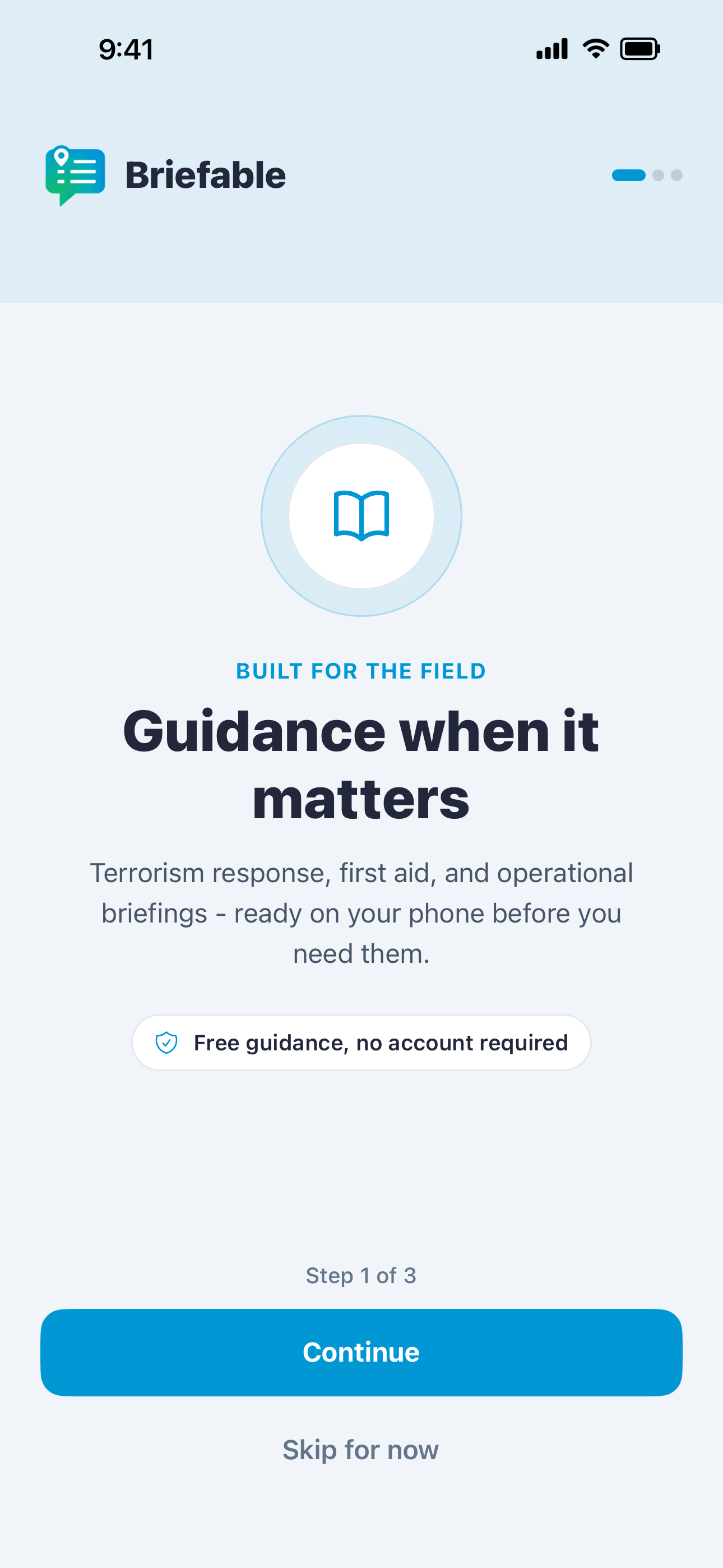
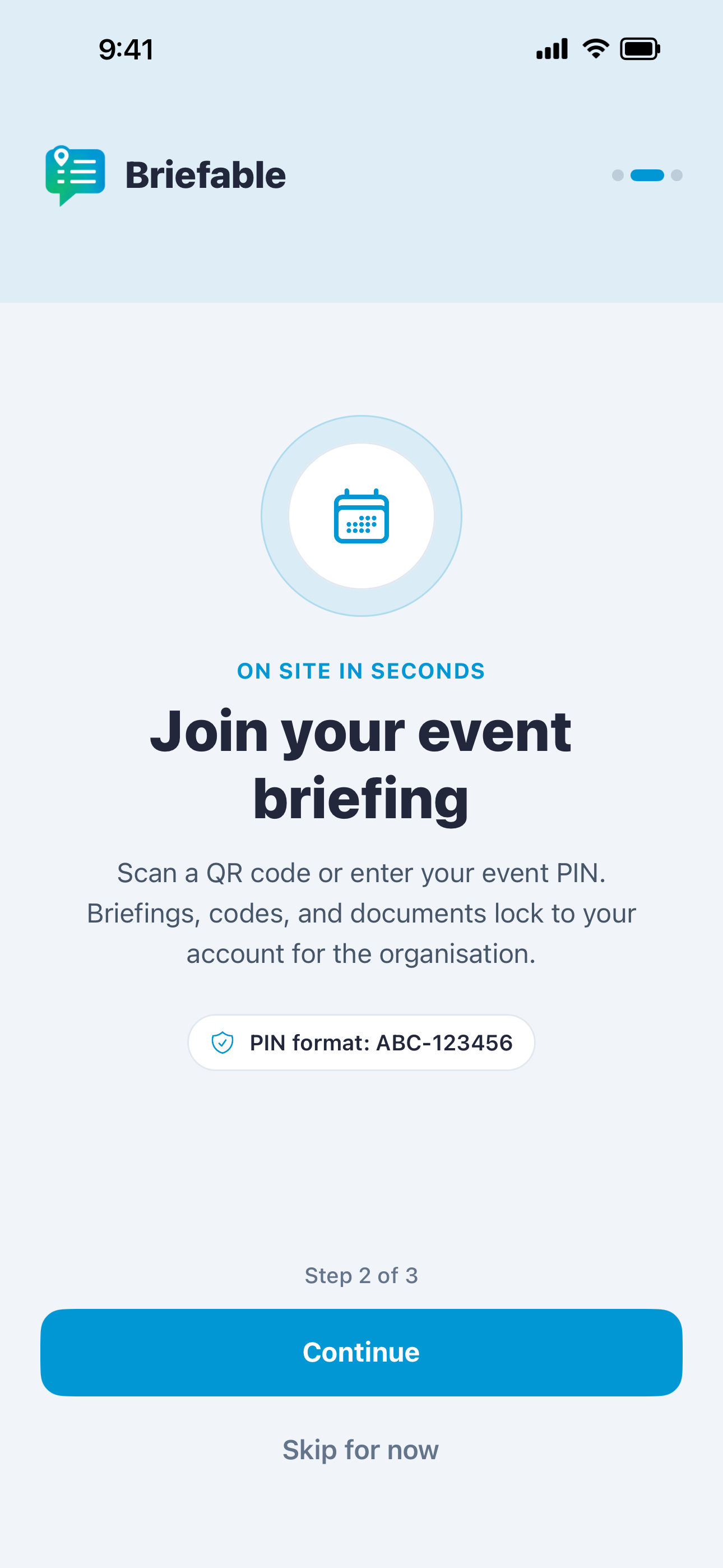
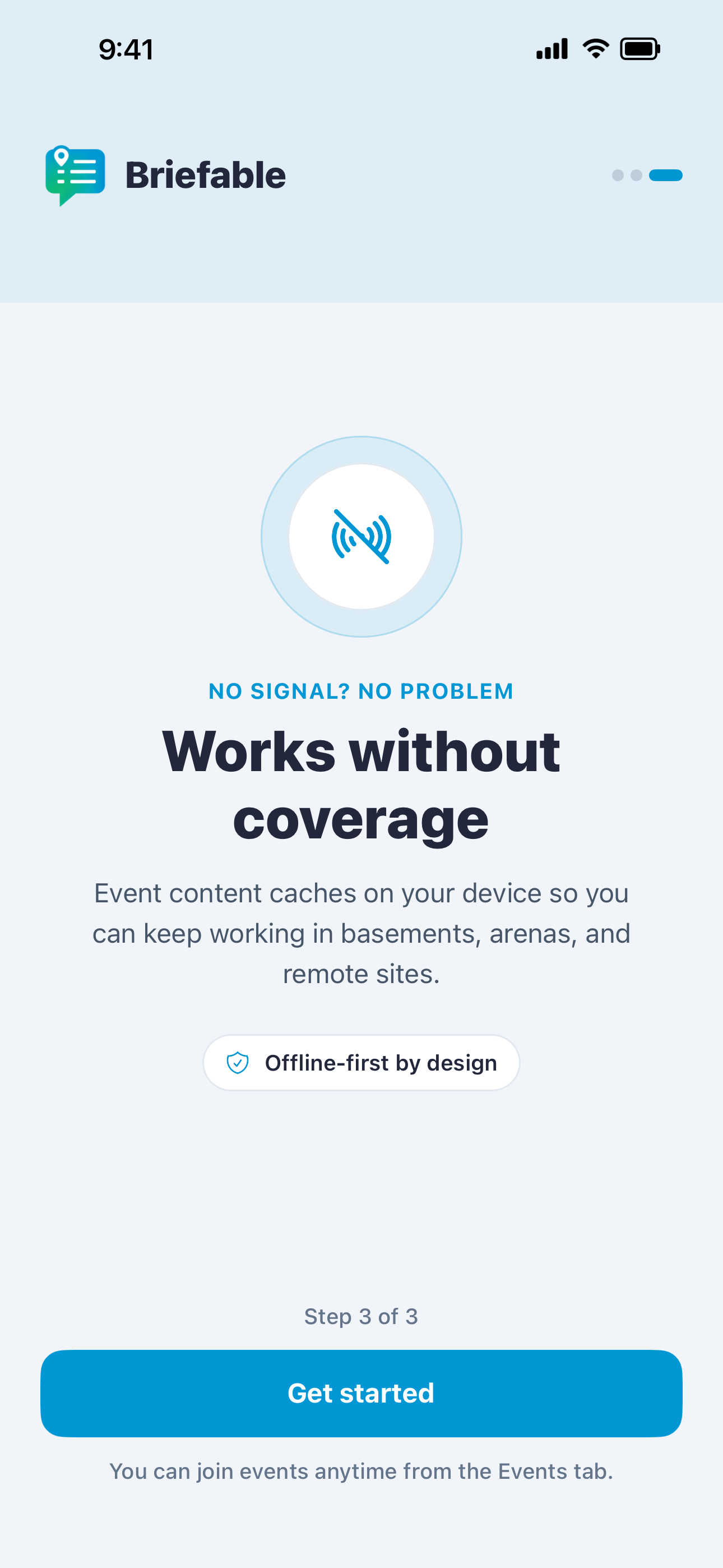
Guidance when it matters - terrorism response, first aid, and operational briefings.
Our solutions
Briefable Team
Free guidance, event briefings, and offline access — everything security staff need in their pocket.
Explore team app →
Briefable Workspace
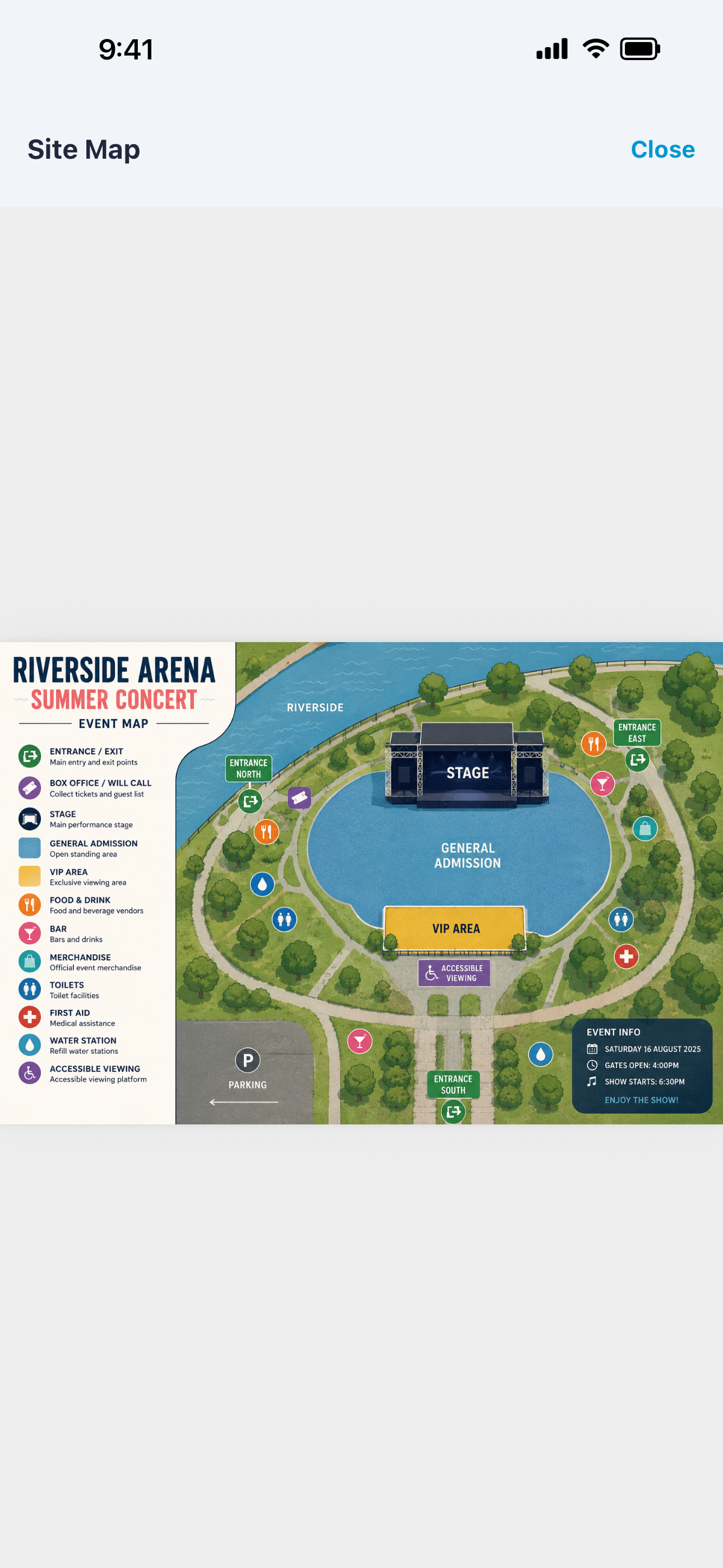
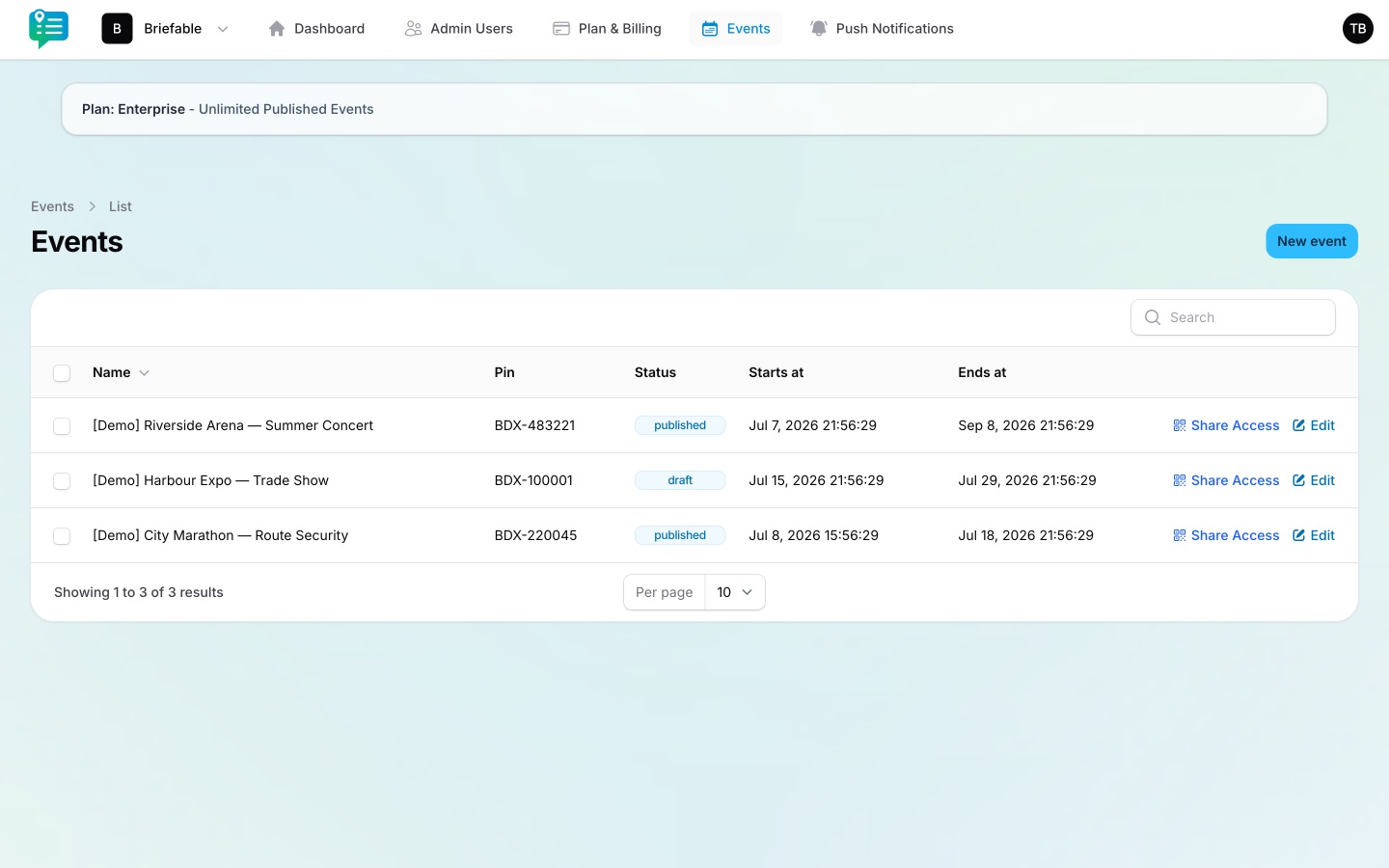
Build briefings, publish PINs, attach documents, and push live updates to every device on the event.
Explore workspace →
Briefable Team
Every team member knows what they need to do, when they need to do it — even when signal drops.
Mobile apps launching soon. Store links will be added here.
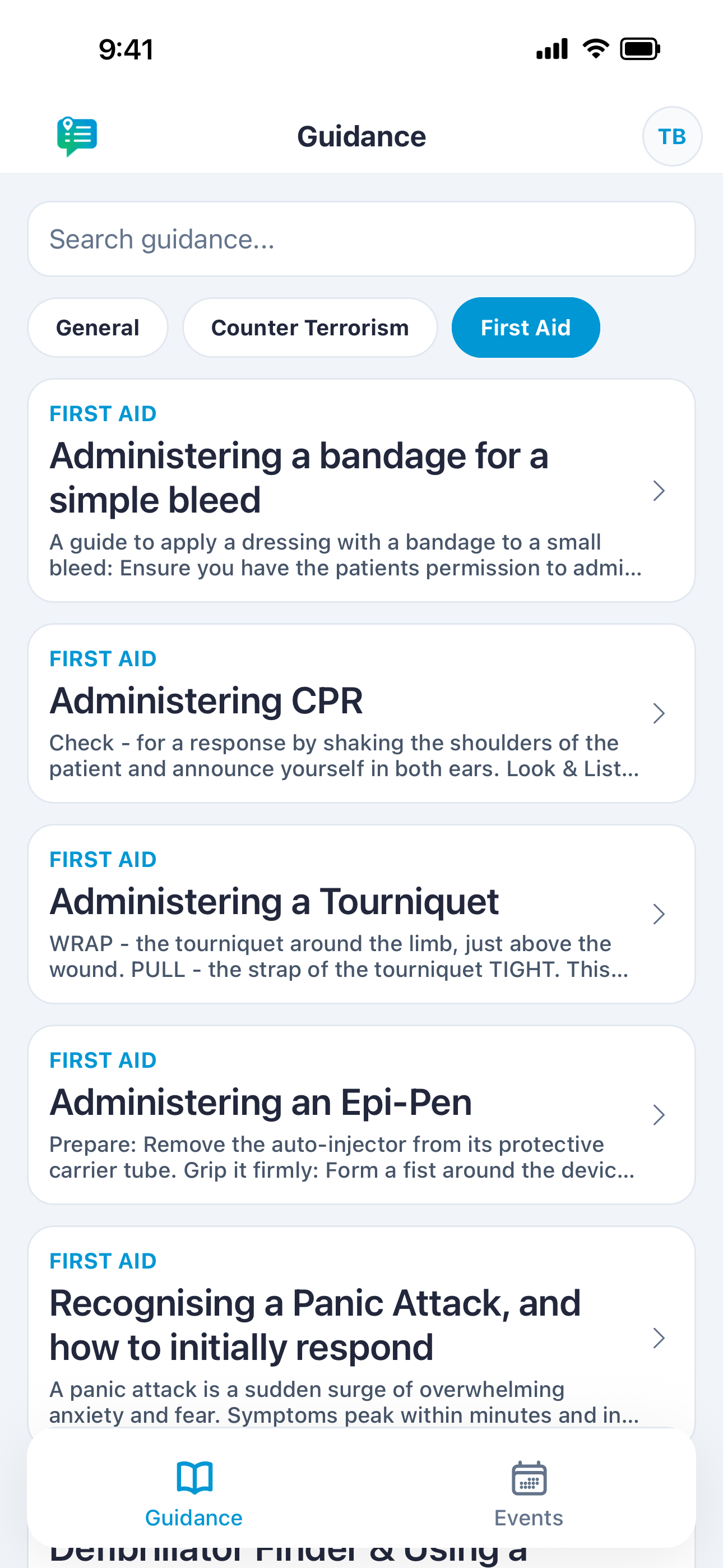
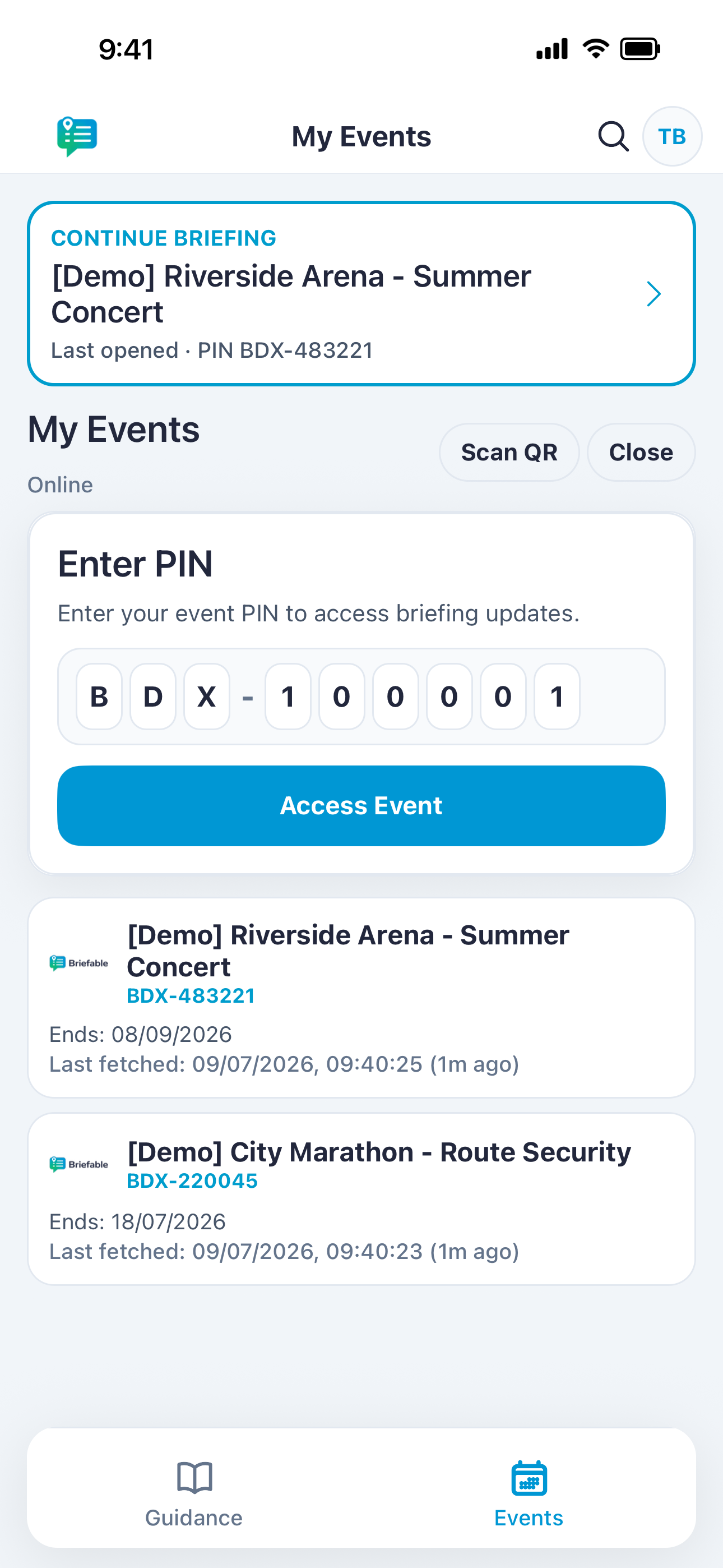
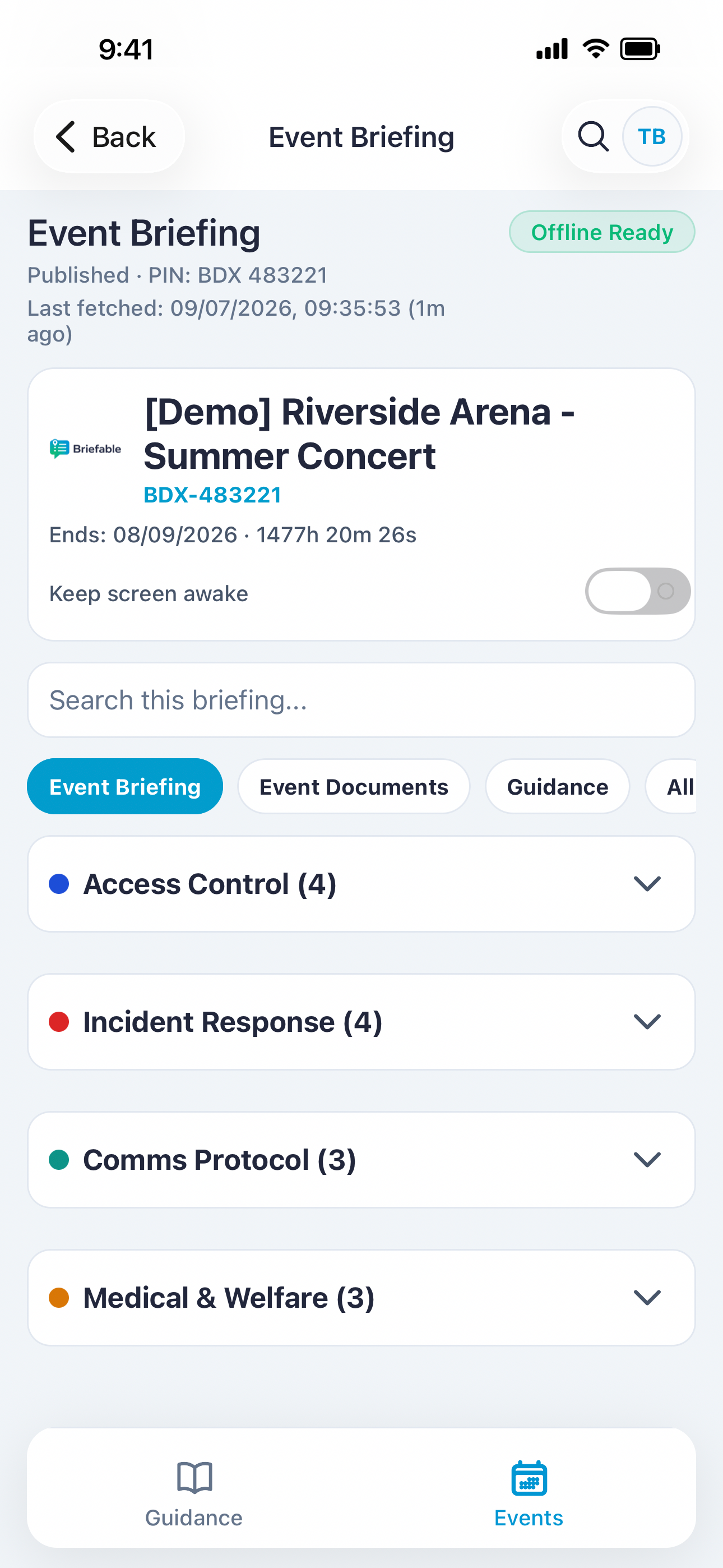
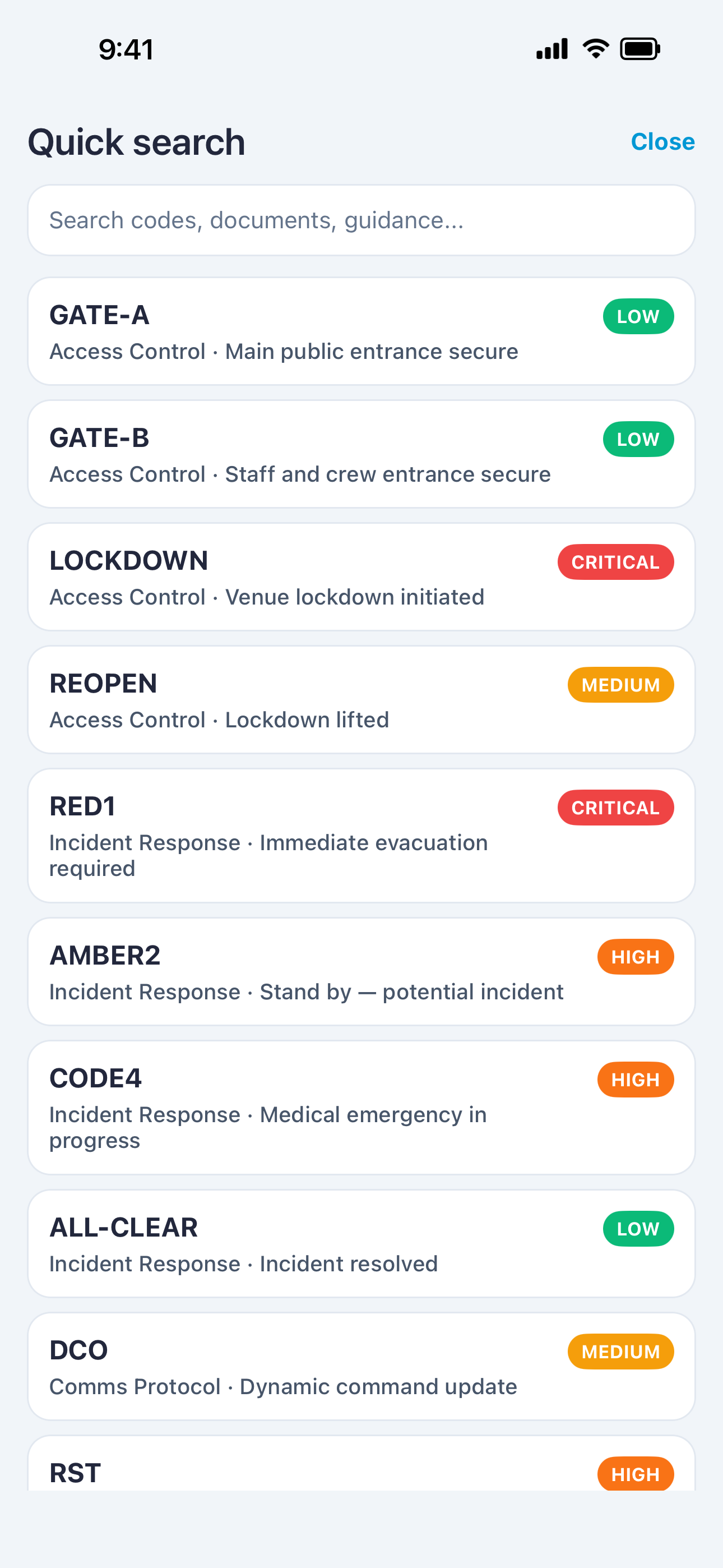
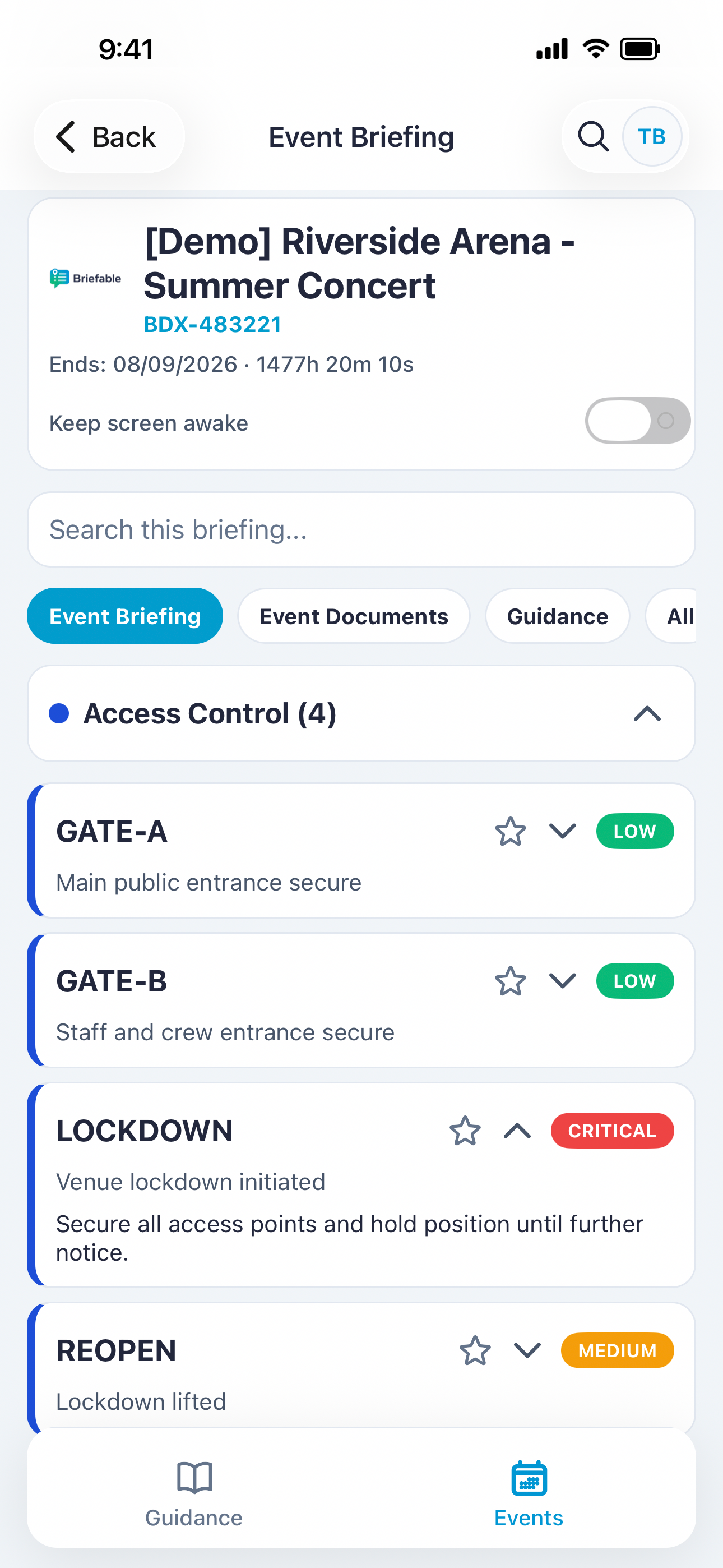
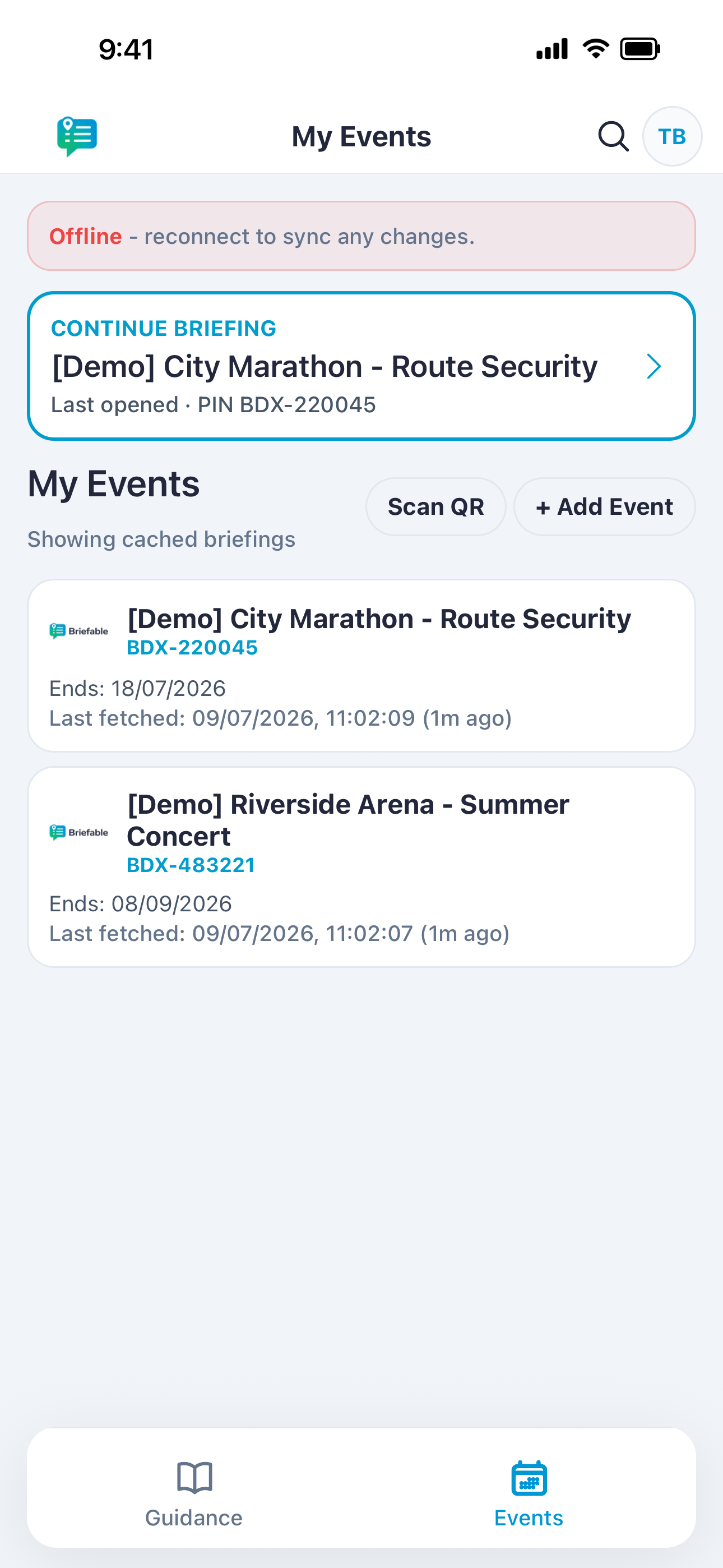
Free public guidance - always available, even offline.
Briefable Workspace
Coordinators build briefings, publish access, and adapt in real time - without spreadsheets or PDFs.
Why Briefable
Spreadsheets, WhatsApp threads, and PDF chains break down on live events. Briefable gives coordinators one source of truth - and staff one place to look.
01 · Spreadsheets
Version drift, no offline access, and no way to push urgent changes to staff on the ground.
With Briefable
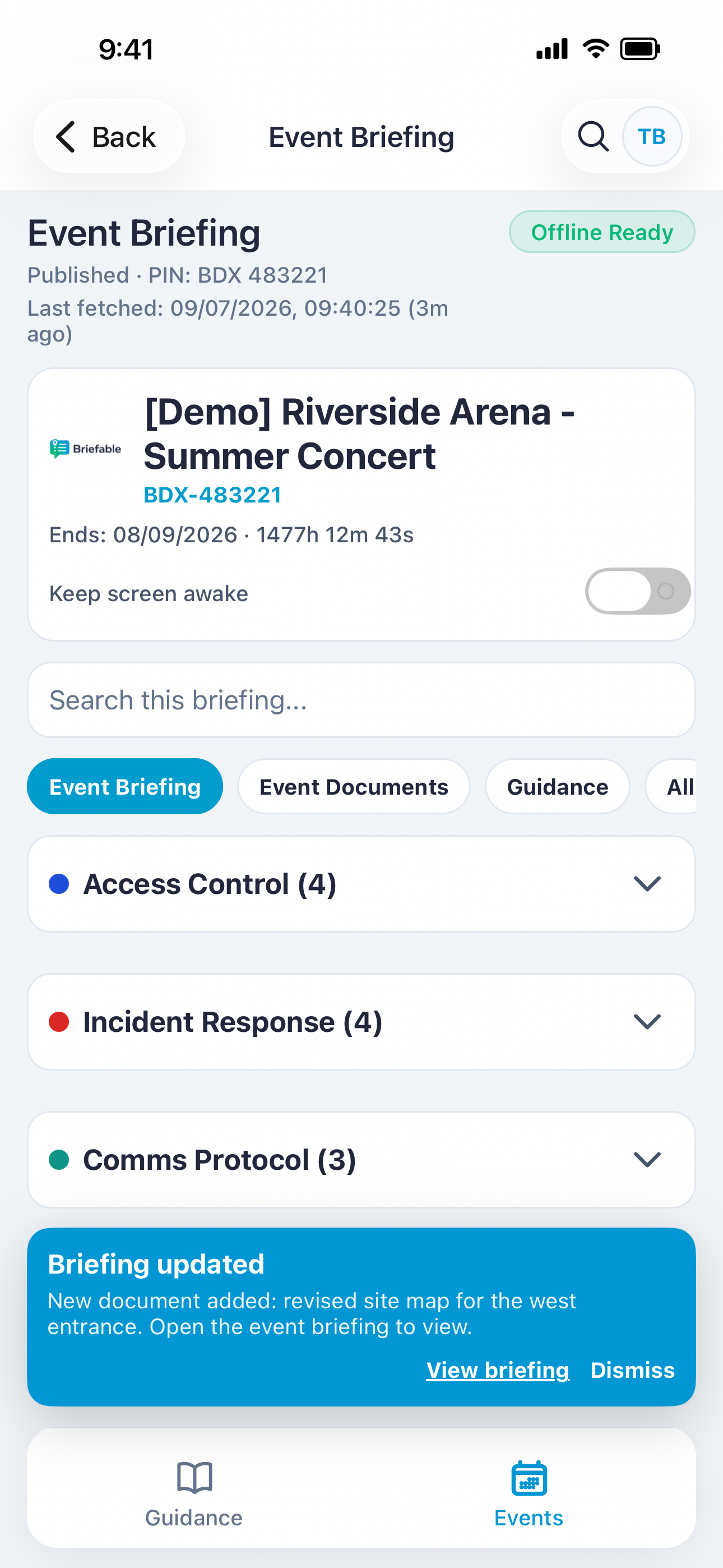
One published briefing with colour-coded codes, offline caching, and live updates when plans change.
02 · WhatsApp groups
Critical detail buried in chat, no structure, and staff miss messages when signal is patchy.
With Briefable
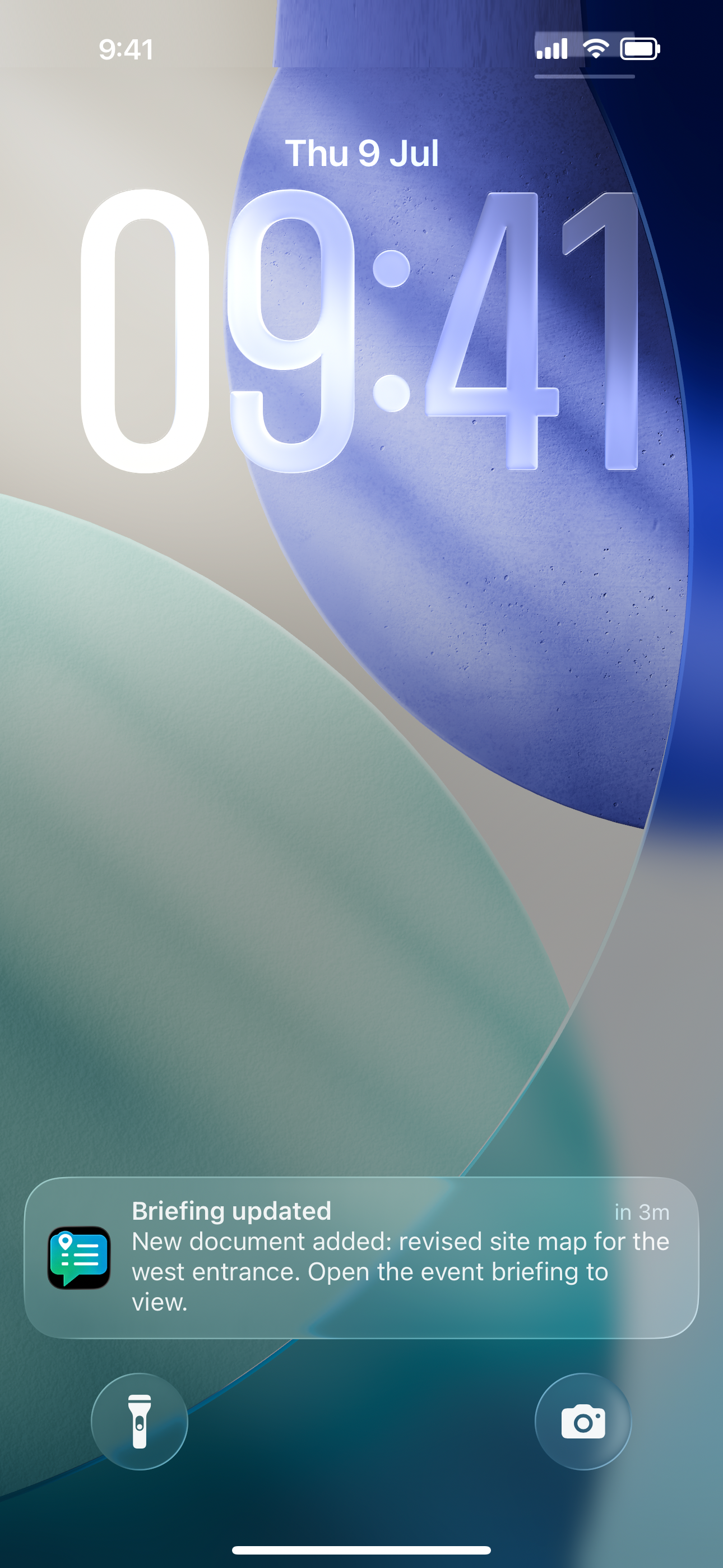
Structured categories and codes staff can find under pressure - plus push notifications on Pro and above.
03 · PDF email chains
Wrong version in circulation, unreadable on a phone mid-shift, and no central control after send.
With Briefable
Publish once from the workspace. Staff join with a PIN and always see the current briefing.
Start with a free workspace - one active event, no card required. Register your interest
A simple flow that keeps admin work light and staff experience frictionless.
Step 1
Create your event briefing
Add categories, codes, urgency levels, and supporting documents in the dashboard.
Step 2
Publish and share a PIN
Staff scan a QR code or enter the PIN in the app to join the event on site.
Step 3
Staff cache content and go offline
Once downloaded, briefing content stays available when signal is unreliable.
Pricing
The mobile app is free for field staff. Workspace plans from £0/month — upgrade when your event calendar grows. Annual billing includes 2 months free on paid tiers.
Trust
PIN-controlled access, UK GDPR alignment, encrypted connections, and workspace isolation — designed for companies who take operational data seriously.
PIN-controlled access
Event briefings are not public. Staff must register and enter a company-issued PIN to join an event....
UK GDPR aligned
We process personal data in line with UK GDPR. Our Privacy Policy and Data Processing Agreement are...
Encryption in transit
Data between the app, workspace, and our servers is transmitted over HTTPS/TLS. Operational content...
Offline caching on device
Event content caches on staff devices so briefings work without signal. Cached data stays on the dev...
If you need anything else, reach out - we're happy to help.
Yes. Staff can download Briefable and access free public guidance at no cost. Event briefings are published by security companies via a PIN.
Security companies running live events - where fast onboarding, consistent codes, and offline access matter.
Yes. Once a staff member enters the event PIN, the briefing content is cached on device so they can keep using it offline.
The app is free for staff. Security companies can start with a free workspace for one active event, with paid plans from £39/month. View pricing.
A small team with the right mix: product execution, operational empathy, and industry depth.

Tom Bishop
Director & Founder - Product & Engineering
A full-stack developer with years of experience building web platforms and mobile applications, Tom leads the technical vision behind Briefable - designing systems that are fast, reliable, and built for the realities of live events.

Gemma Newman
Director & Co-Founder - Operations & Customer Success
With a background in event operations and business management, Gemma ensures Briefable works the way real teams need it to - focusing on smooth onboarding, customer experience, and making sure the platform fits naturally into event workflows.
Want a walkthrough, pricing guidance, or to discuss your next event? We typically respond within one business day.
Send a messageGet the app or set up your team
Download Briefable for field staff, or create a workspace to publish briefings.
Mobile apps launching soon. Store links will be added here.